Sign in to Loot Audio
Access your downloads, purchases and more
Access your downloads, purchases and more

Pulse is a revolutionary new downloader offering blazing fast speeds and powerful control over your libraries. Loot Audio uses Pulse to power some of our downloads and to make managing your libraries more efficient for you.
After your purchase we will send you a unique code (you will also find the code in your account). Use the code with Pulse to power your download and installation. More information about Pulse can be found here.
What are Credits?
You earn Credits every time you purchase a product from Loot Audio. 3% of your order is added to your account in the form of Credits.
Use Credits for money off future orders or convert them to Sample Credits to download samples from the Sounds section of the site.
Smart Vocal & Dialogue Processing.
$299.00
Earn 807







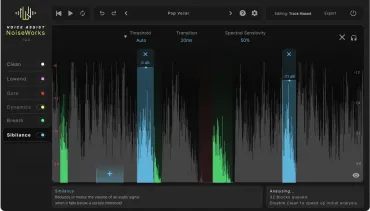
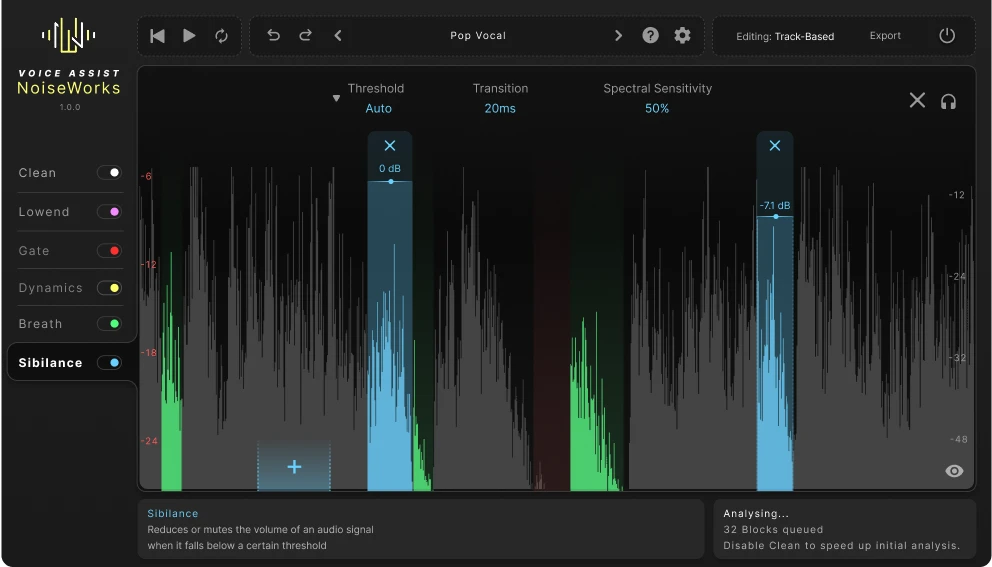
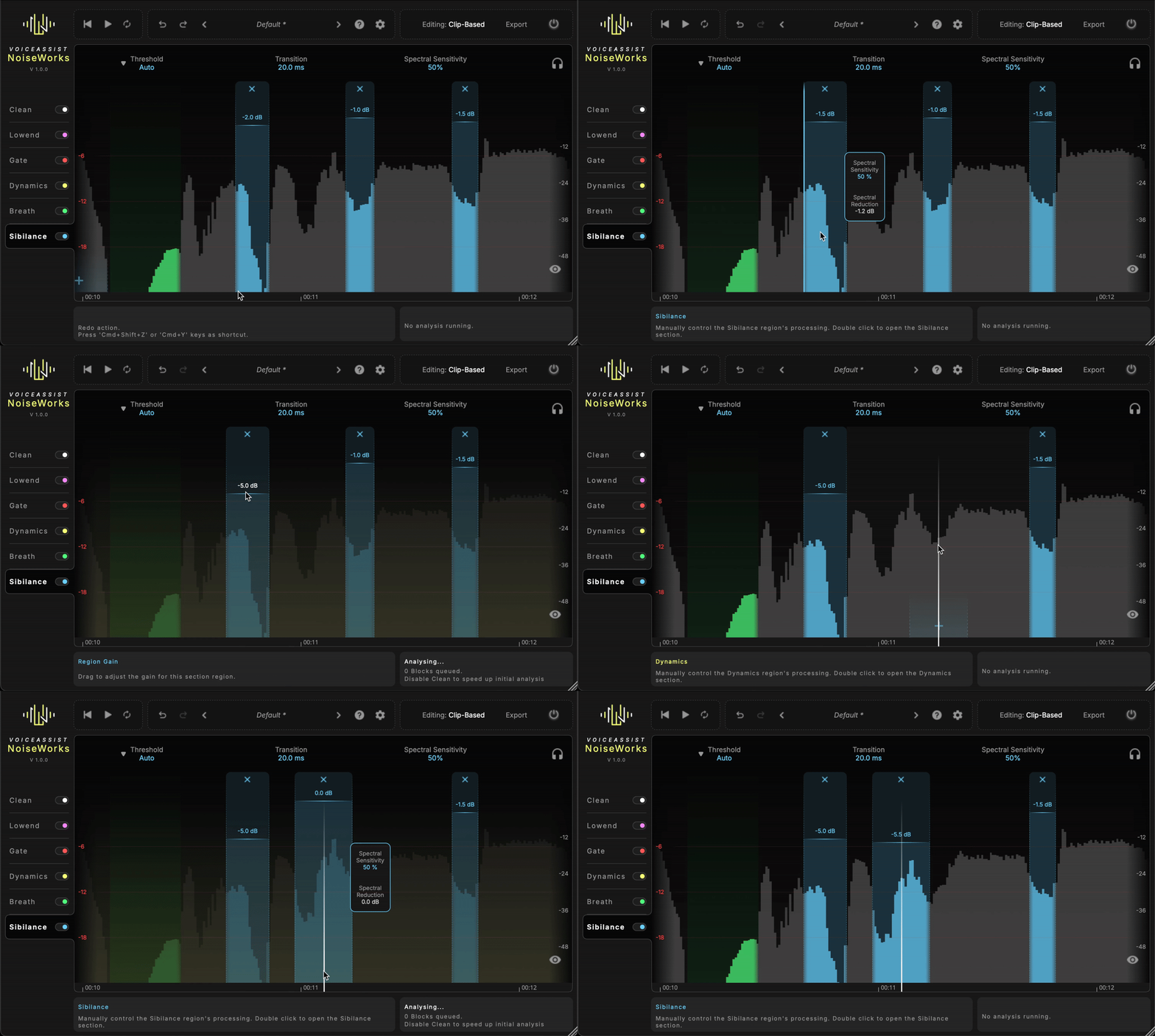
Harsh sibilance or sharp breaths can make your mix sound unprofessional. VoiceAssist gives you control with intelligent detection and flexible editing.
Keep your vocals clean, natural, and mix-ready.
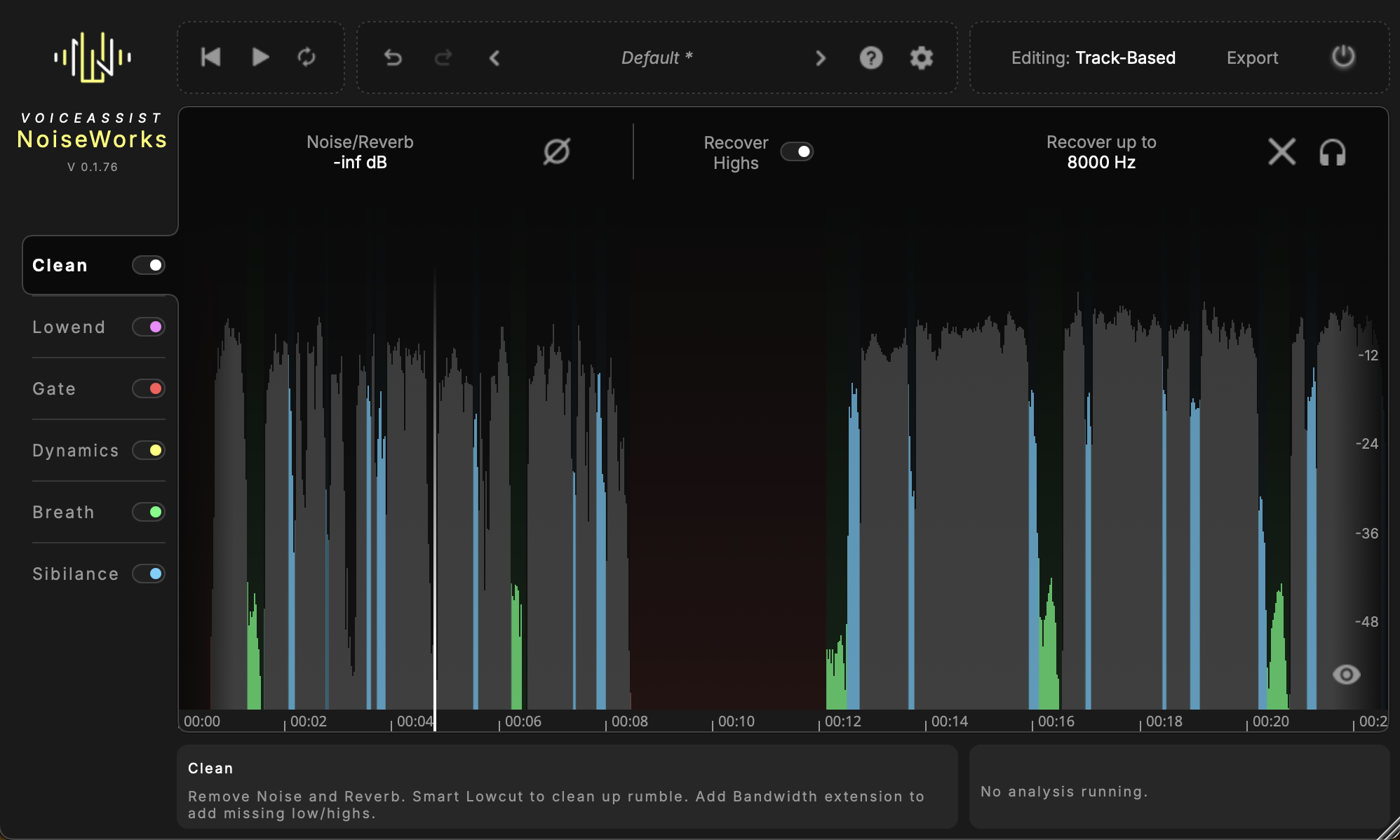
No more rerecording or bad audio quality. Start with a clean and dry signal using our Clean Section. Remove reverb and background noise like traffic, fan noise, or other distractions — thanks to VoiceAssists locally running AI model. No cloud. No upload. Just clean audio, right on your machine.
Muddy vocals caused by poor mic positioning? No problem. Bring back clarity with our Recover Highs feature.
A real game changer for fast and professional voice editing. Your clients will be amazed by your work.
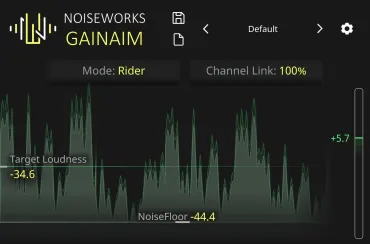
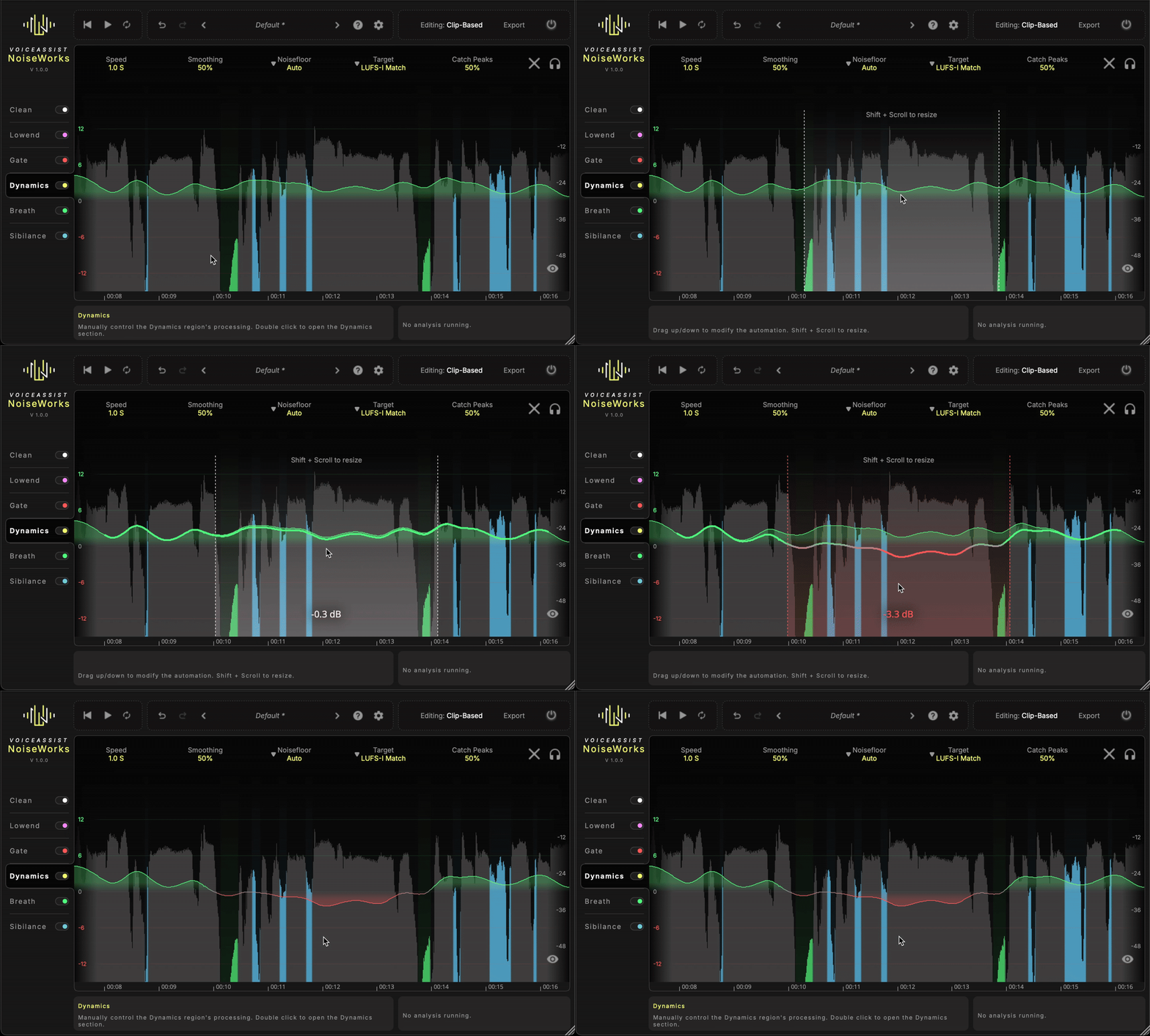
Every word and syllable counts — whether it’s for dialogue or vocals. Get crystal-clear voice tracks with the VoiceAssist Dynamics Section. It analyzes your performance and writes a custom volume automation — tailored to your settings.
Want a subtle volume ride that no one will notice? Use the High Speed mode. Need aggressive leveling for rap vocals? Switch to Fast Speed, and your voice will cut through — clear and consistent.
Work in LUFS-I or LUFS-S with integrated peak control to trigger your compressor only when you really need it.
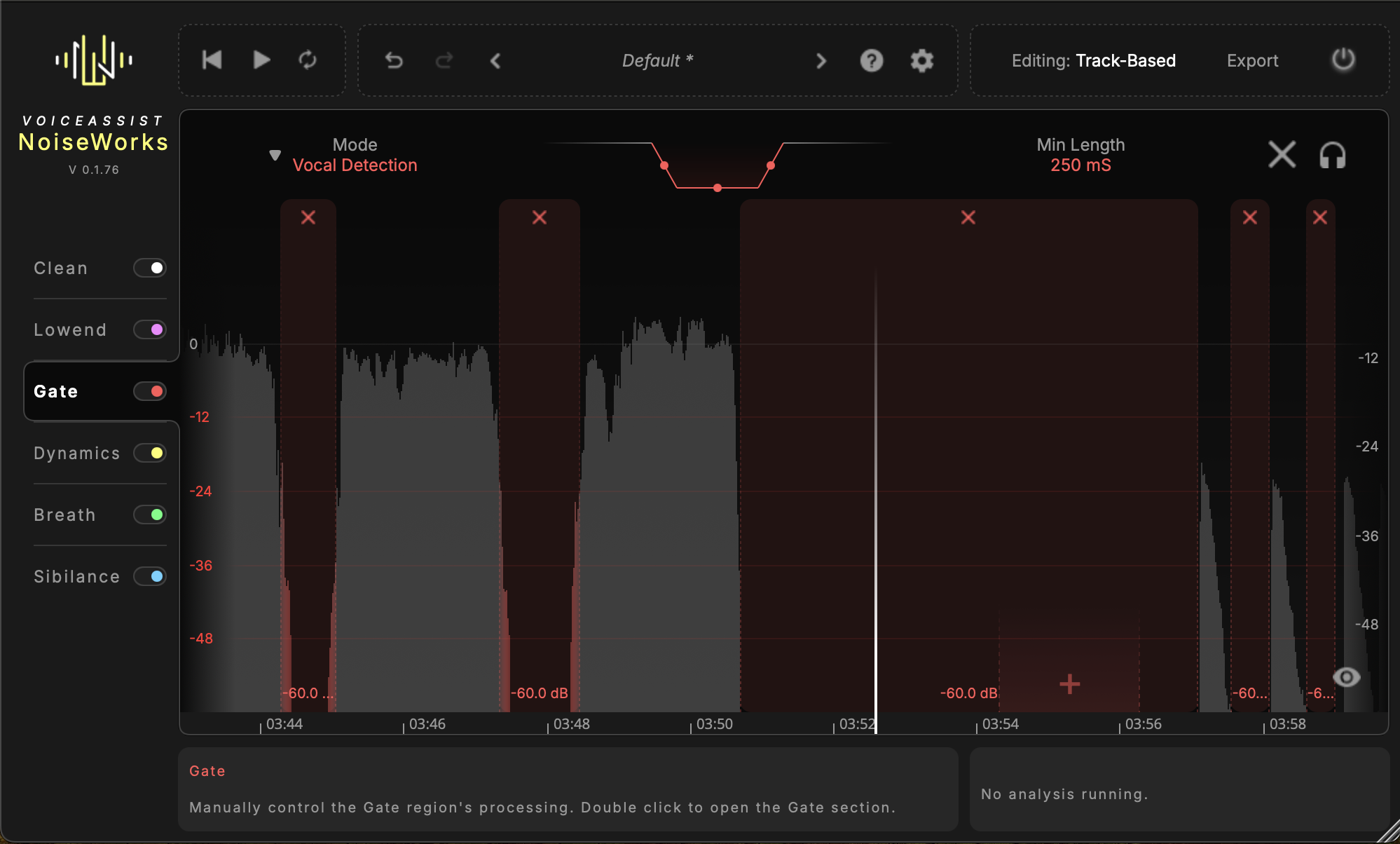
The content-aware voice gate only works when it really has to — no more over-processing or unnatural cuts. It’s designed to keep your recordings clean and consistent, even across changing environments, comped takes, or varying mic positions.
Instead of relying on a fixed threshold, the gate uses intelligent voice and silence detection to react only when needed. This ensures a transparent result without the typical artifacts of aggressive gating.
If you prefer more control, you can always switch to a traditional threshold-based mode. Adjustable boundaries let you fine-tune the gate’s behavior to match your specific recording situation.
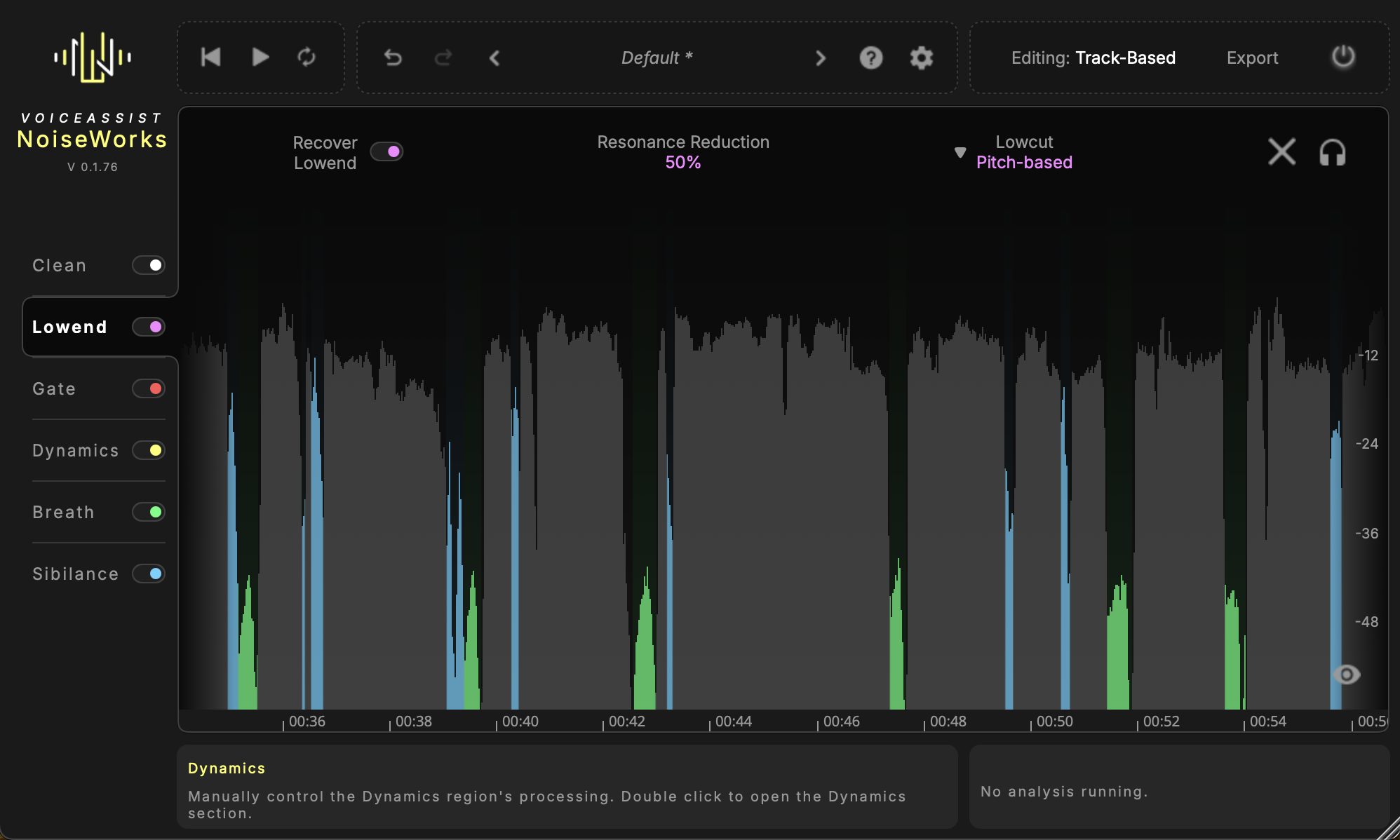
Missing that deep low end to give your voice recordings more weight?
VoiceAssist helps you recover low-end energy for a fuller, more impactful sound.
The low-end resonance reduction detects narrow peaks automatically, so you can dial in the right amount — no need to hunt them down manually.
The pitch-based low cut tracks the lowest pitch in your recording and adjusts the cutoff point automatically.
Mac
Windows
General
This means that your computer must have a separate graphics card from NVIDIA or AMD installed. If your system only uses the graphics chip that is built into the CPU, VoiceAssist will not run correctly on Windows.
Most desktop PCs with a gaming or workstation configuration meet this requirement. Many standard office laptops, however, do not.
If you are unsure, you can check your graphics hardware in the Windows Device Manager under “Display adapters” or use the free trial to verify compatibility.