Sign in to Loot Audio
Access your downloads, purchases and more
Access your downloads, purchases and more

Pulse is a revolutionary new downloader offering blazing fast speeds and powerful control over your libraries. Loot Audio uses Pulse to power some of our downloads and to make managing your libraries more efficient for you.
After your purchase we will send you a unique code (you will also find the code in your account). Use the code with Pulse to power your download and installation. More information about Pulse can be found here.
Included In:
What are Credits?
You earn Credits every time you purchase a product from Loot Audio. 3% of your order is added to your account in the form of Credits.
Use Credits for money off future orders or convert them to Sample Credits to download samples from the Sounds section of the site.
Dynamic Resonance Suppressor

$80.00
Earn 177
Available in







RESO is a dynamic resonance suppressor that helps you quickly identify and resolve resonances in your audio.
⚠ Problem Solved: Excessive resonances ruin mixes, giving them a harsh and unpleasant sound. Our plugin RESO helps you quickly identify and resolve resonances. The smart features help you get the best possible sound by dynamically fixing the problematic resonances without making your music sound thin.
✅ Get Started: Load up an instance of RESO on any channel and listen closely for resonances. The display, frequency sweep, and ‘calculate targets’ features will help you identify resonant frequencies. Double click anywhere within the main window to create a node. Position the node where you want the resonance suppression to start. The Q is automatically optimized for the frequency of the node. You can scroll to adjust the Q to suit your preference.
� Highlight 1: The Calculate Targets feature will analyze your audio, find the resonant frequencies, and give you ‘Target Nodes’ showing how much reduction is suggested to transparently resolve the resonance.
� Highlight 2: RESOs super-transparent mastering-grade filters allow you to clean up resonances without affecting your transients and phase.
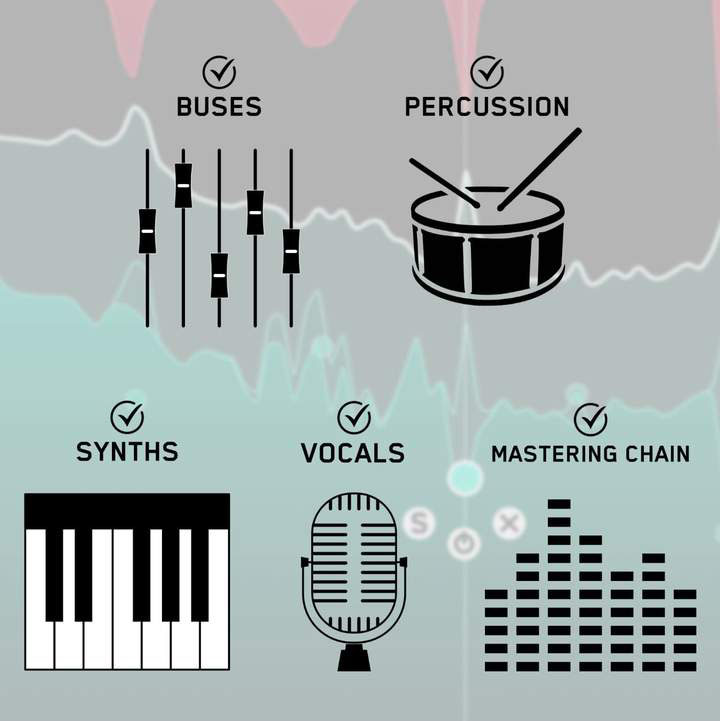
RESO can be used to resolve the resonances of any channel in your mix, whether it’s a vocal, a synth, percussion, busses, or your mastering chain.
- Look for disproportionately high peaks in the visual display
- Use the Frequency Sweep to help you identify resonances that sound unpleasant.
- The Calculate Targets feature will locate the most resonant frequencies and give you targets so you can resolve the resonances transparently.

Creating a node is as easy as clicking anywhere on the interface. Position the node at the peak level at which you want the resonance suppression to start and scroll to adjust the Q.

5.0/5.0
(Average of 1 review)
Sort By: