

How do I redeem a product purchased elsewhere?
If you have a code to redeem a product that you purchased from another website, here's how to get your product...
Login to your account (create an account if you don't already have one) and visit your account page: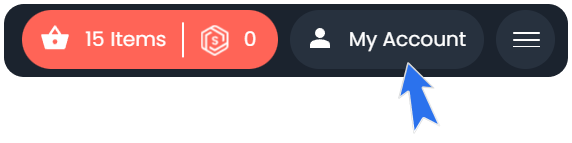
You will see a 'Redeem a Download Code' section at the top right of the screen.
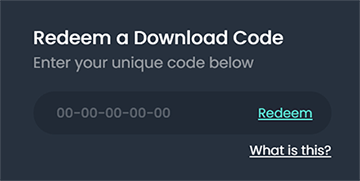
Or it may appear further down the page (depending on your screen resolution) like this:
Please note: The redeem box may be difficult to find on mobile devices so please use a computer
Paste your code in the box and click redeem. A pop-up will appear to indicate the product has been added to your account. Click ‘View Downloads’

In your purchases list you will see the free product. Click the download icon in the Redeem column:

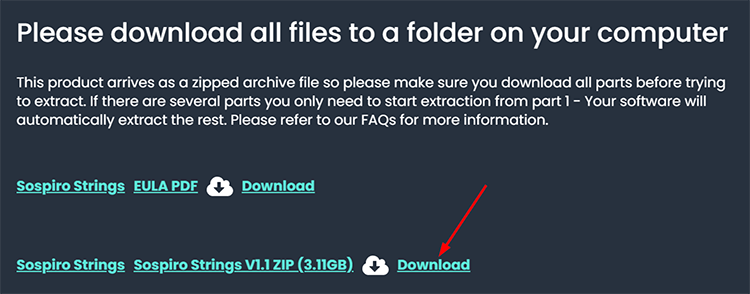
You can then see the files and download them:
Alternatively, if the product is downloaded using Pulse or any other system you will receive instructions via email.