Sign in to Loot Audio
Access your downloads, purchases and more
Access your downloads, purchases and more

Pulse is a revolutionary new downloader offering blazing fast speeds and powerful control over your libraries. Loot Audio uses Pulse to power some of our downloads and to make managing your libraries more efficient for you.
After your purchase we will send you a unique code (you will also find the code in your account). Use the code with Pulse to power your download and installation. More information about Pulse can be found here.
What are Credits?
You earn Credits every time you purchase a product from Loot Audio. 3% of your order is added to your account in the form of Credits.
Use Credits for money off future orders or convert them to Sample Credits to download samples from the Sounds section of the site.
Out of Space Reverb FX
$39.00
Earn 105







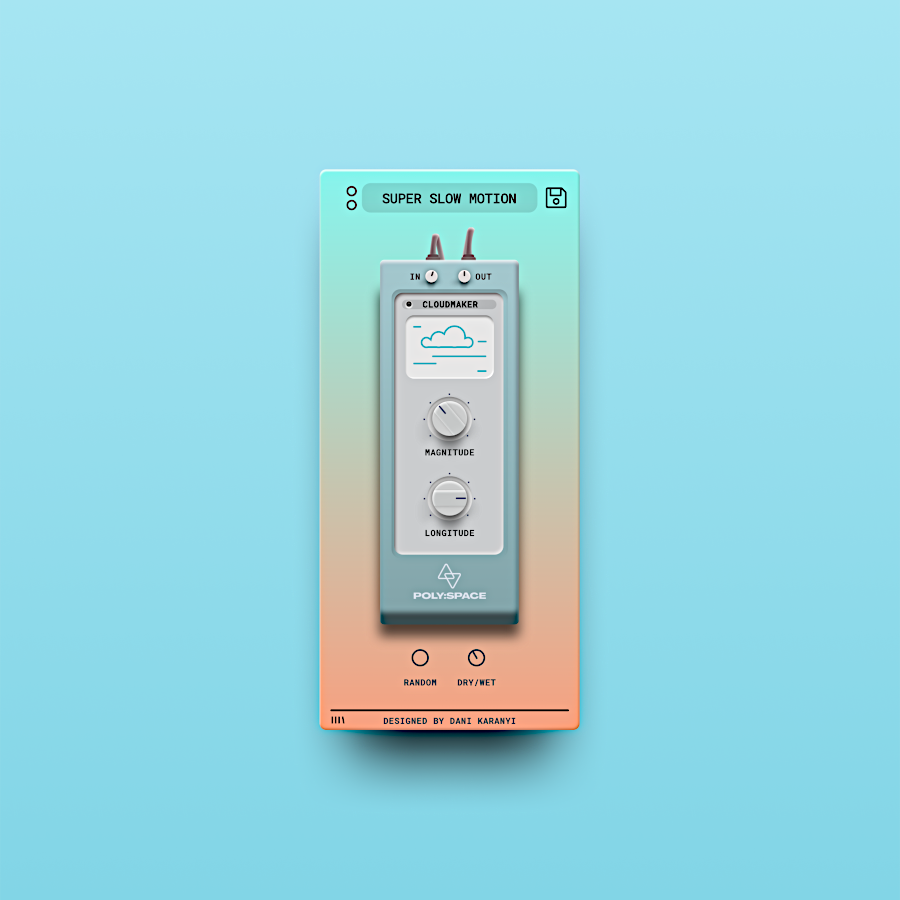
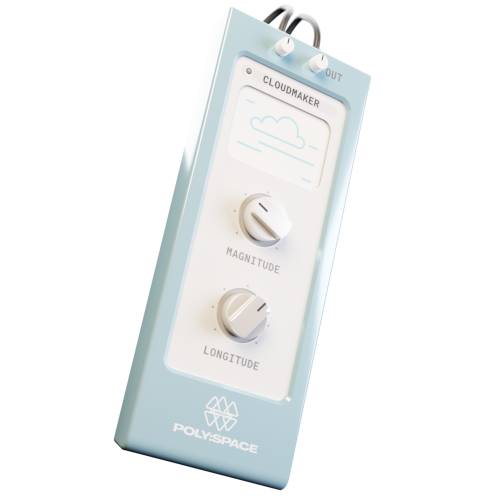
Poly Space comes with just two easy controls – but don’t let it fool you. There is a complex workhorse under the hood. With Magnitude, you can transform your reverb sound from gentle to epic, while with Longitude you can smoothen and longer the sounds. Slow motion sounds ahead!
DESIGN WITH SPACE
Get ready to take your sound on an adventurous journey with Poly Space’s various reverbs algorithms, convolution engine, and DSP delays. Including over 50 carefully designed space combinations of sampled famous vintage hardware and algorithmic reverbs. Shape the sonic landscape with over 30+ onboard presets.
INSTANT VARIATIONS
Create your very own with just a few tweaks or generate exciting new sounds with one click: use the Smart Random button and get inspired by the variations.
5.0/5.0
(Average of 1 review)
Sort By:
System Requirements:
Mac OS X 10.11 or higher is recommended
Windows 7 or higher
4 GB of RAM, 8 GB is recommended
2 GHz CPU with at least 4 cores
64 bit DAW
100 Mb of free disc space
Available Formats:
Mac OS: AU, VST3 (64-bit)
Windows: VST3 (64-bit)
* Pro Tools and Maschine are NOT supported
* M1 Macs natively are not supported – however you can use Poly Space with Rosetta in order to run on M1 macs. Check out the on how to install Rosetta in Mac in this article