






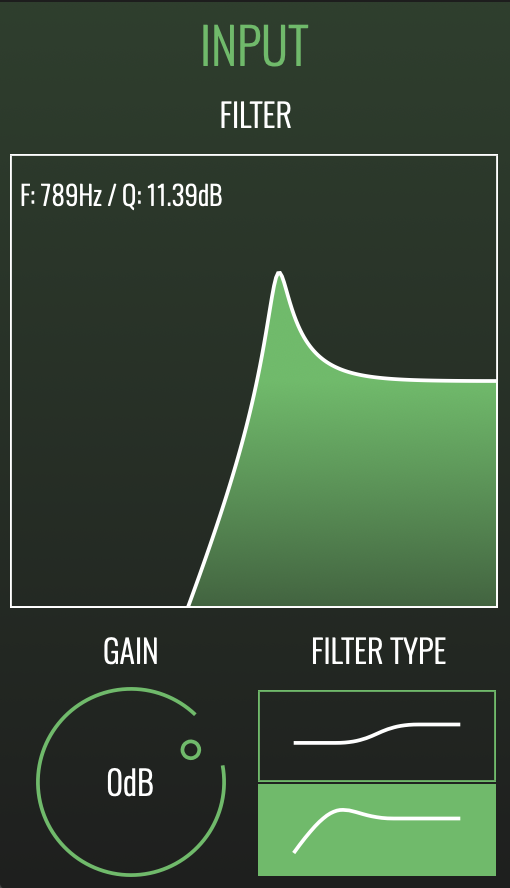
FILTER SECTION
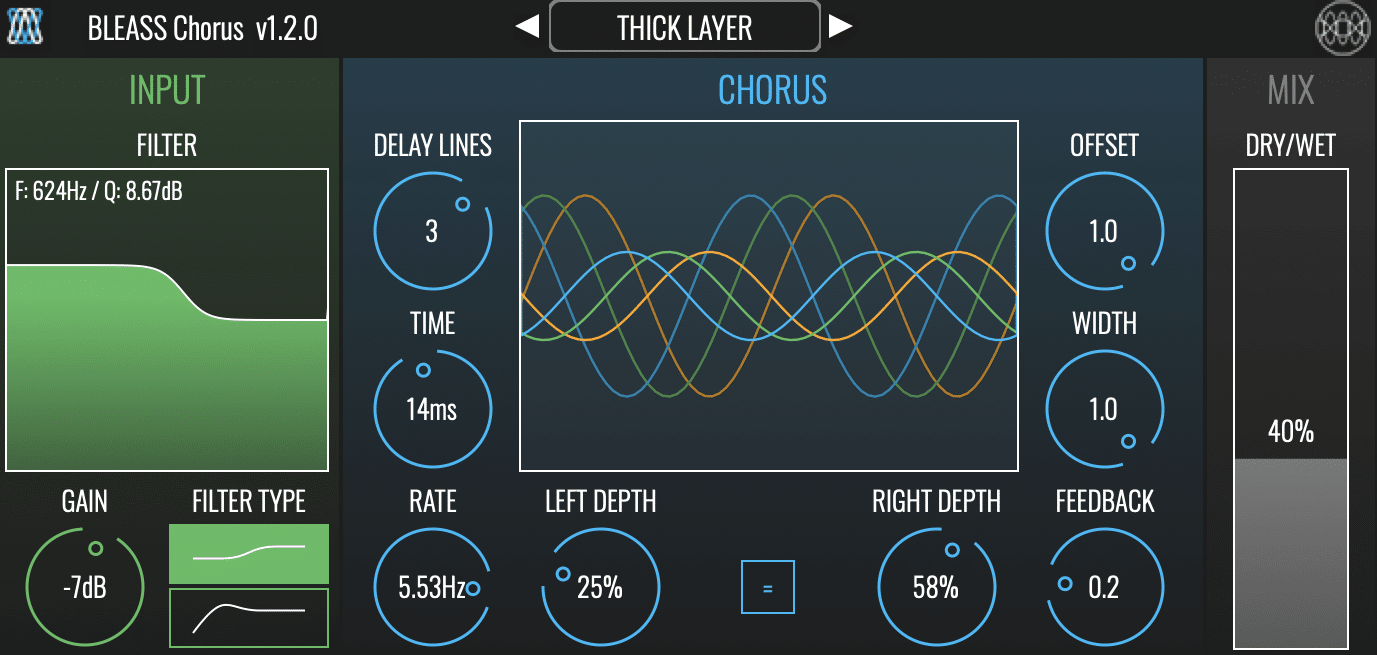
FILTER TYPE: Sets the filter type. Choose between a low-shelving filter (upper button) or high-pass filter (lower button).
FILTER GRAPH: The graph shows a visualisation of the current input filter settings, and allows you to change those settings by clicking and dragging on the graph.
When operating in low-shelving mode, drag left-to-right to adjust the corner frequency, and drag up-and-down to adjust the amount of cut or boost to apply below the corner frequency.
When operating in high-pass mode, drag left-to-right to adjust the cutoff frequency, and drag up-and-down to adjust the filter’s resonance.
GAIN: Adjusts the volume level of the signal being processed. Note that this does not affect the direct “dry” signal, only the signal that is being processed. As a result, the Gain control can be used as a means of controlling the prominence of the chorus effect.