Sign in to Loot Audio
Access your downloads, purchases and more
Access your downloads, purchases and more

Pulse is a revolutionary new downloader offering blazing fast speeds and powerful control over your libraries. Loot Audio uses Pulse to power some of our downloads and to make managing your libraries more efficient for you.
After your purchase we will send you a unique code (you will also find the code in your account). Use the code with Pulse to power your download and installation. More information about Pulse can be found here.
What are Credits?
You earn Credits every time you purchase a product from Loot Audio. 3% of your order is added to your account in the form of Credits.
Use Credits for money off future orders or convert them to Sample Credits to download samples from the Sounds section of the site.
A Loop-based Riser Designer and a Ping / Signature Sound Designer.
$37.89
Earn 84
Note: This product is compatible with Kontakt Full 5.3 and above







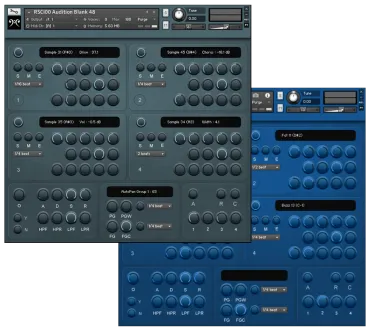
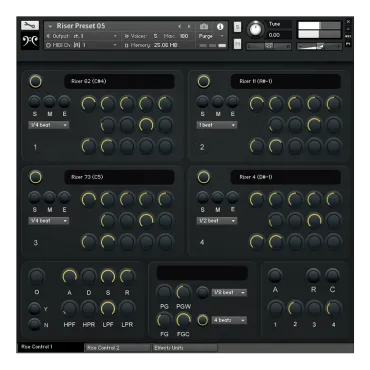
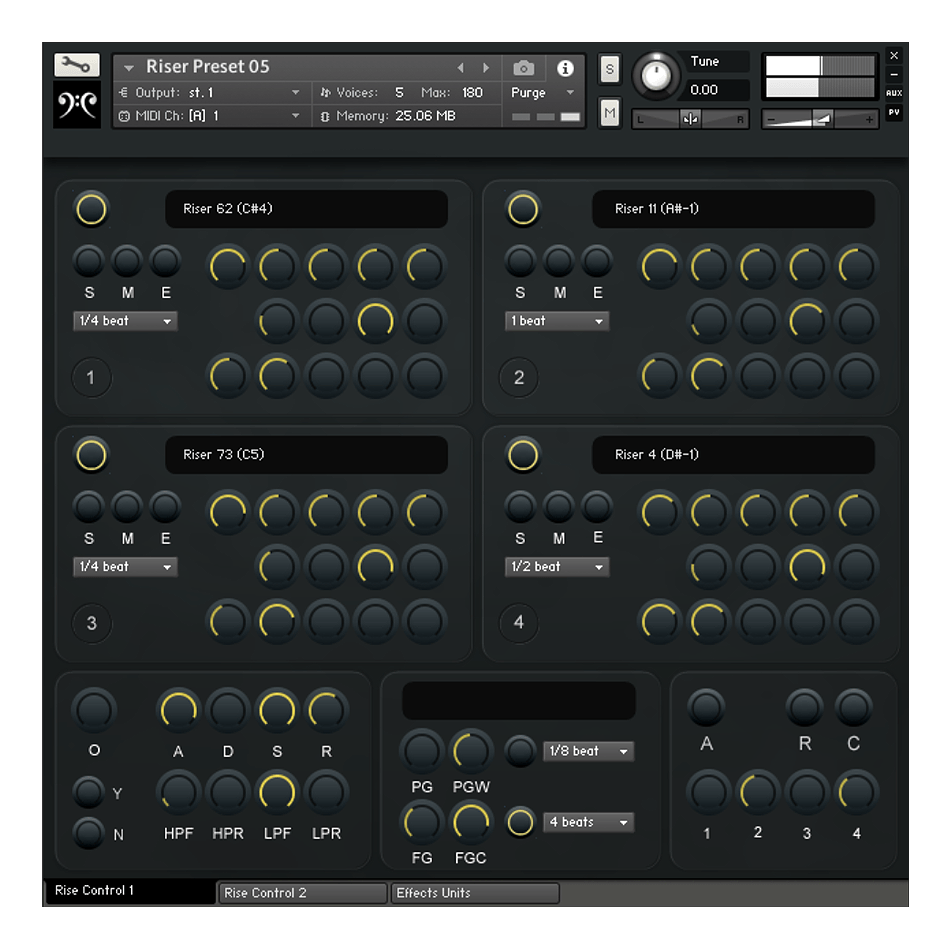
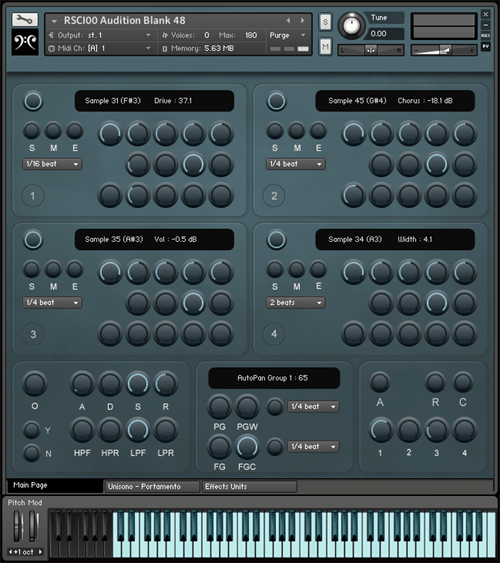
Choose up to 4 layers from 99 source sounds. Completely customise your sounds with tonnes of individual and master controls.
Both RISE and PING use the same AUDITION Kontakt Engine and work in the same way. Each comes with 25 presets.
Easily design unique Risers by layering up to 4 Samples from 88 sound sources. Because the sounds are loop-based you can have a Riser for ANY Length, at ANY Tempo and from ANY Pitch to any other. The Pitch Bend Range has a max of +/- 24 semitones (making a full range of up to 48 semi-tones).
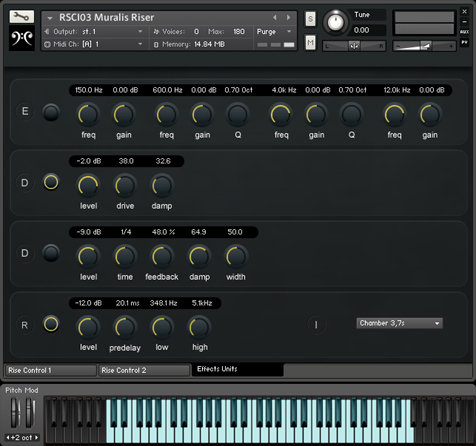
Muralis Rise/Ping/Audition is supported by several built in Effects Units - Customised for the Instrument
MASTER EFFECTS
TEMPO SYNCED GATES
There are 2 Master Tempo-synced Gates that affect the Sample Groups and operate independently from each other - One for Volume the other for LP Filter.
Choose Filter rates from 1/16th beat up to 4 beats. Triplet options aswell.
Each Sample Group also has its own set of Volume and Filter Gates
GROUP EFFECTS
There is one set for each of the 4 Sample Groups :-
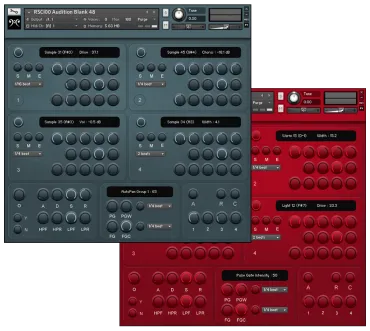
Audition Player is designed for you to load your own Samples or Sample Packs into Kontakt 5. Load your Samples in and have them spread out across your Keys - one Sample per Key. These can then be tried out by just playing your MIDI keyboard. Once a desired Sample is located simply click a button on the GUI to have that Sample spread out across 6 Octaves. You can layer up to 4 Samples together in this way. Each Sample has many individual Controls making it easy to individualise your sounds.
A Tempo-synced Pulse Gate and Filter Gate can be applied to all the Samples or each one individually.
Audition also has a Random Function which, at the click of a button, will randomly select 4 Samples together.
Audition acts like a bridge between your own Samples and Sample Packs and fluid playable Virtual Instruments.