🚨 Free product included with qualifying orders πŸš¨β˜…πŸš¨ Free product included with qualifying orders πŸš¨β˜…πŸš¨ Free product included with qualifying orders πŸš¨β˜…πŸš¨ Free product included with qualifying orders πŸš¨β˜…πŸš¨ Free product included with qualifying orders πŸš¨β˜…πŸš¨ Free product included with qualifying orders πŸš¨β˜…πŸš¨ Free product included with qualifying orders πŸš¨β˜…πŸš¨ Free product included with qualifying orders πŸš¨β˜…πŸš¨ Free product included with qualifying orders πŸš¨β˜…πŸš¨ Free product included with qualifying orders πŸš¨β˜…
Theme

Forthcoming Events

No forthcoming events scheduled.


Expired Events

Summer Sale Ended: 14 Jul 2026
May 2026 Deals Ended: 31 May 2026

Live Event

Active

Heatwave Sale 2026

Feel The Heat! From industry-leading plugins and Kontakt instruments to essential sample packs and cinematic sound design libraries.

Ends In
17d 16h 57m 59s
VIEW ALL DEALS

0

0

Change country:

We use cookies

We and selected 3rd parties use cookies or similar technologies as specified in our Cookie Policy

You can consent to the use of such technologies by using the "Accept" button

Manage cookies

Essential
Essential cookies required for business process and to make the website usable by enabling basic functions. (always active)
Marketing
Marketing cookies are used to serve personalised ads and analyse performance.

Preset Pack

Presets

WAV

Ocean Swift

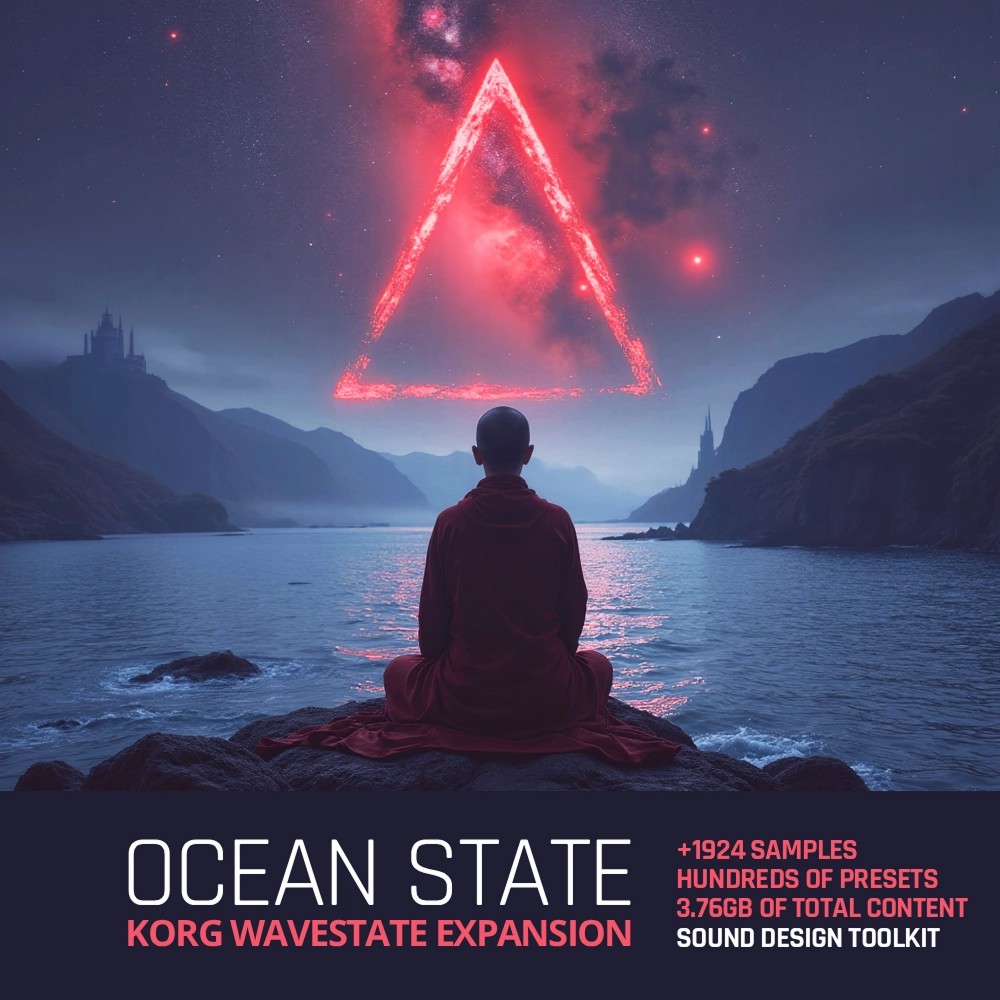
Ocean State

An epic monumental Korg Wavestate expansion! 
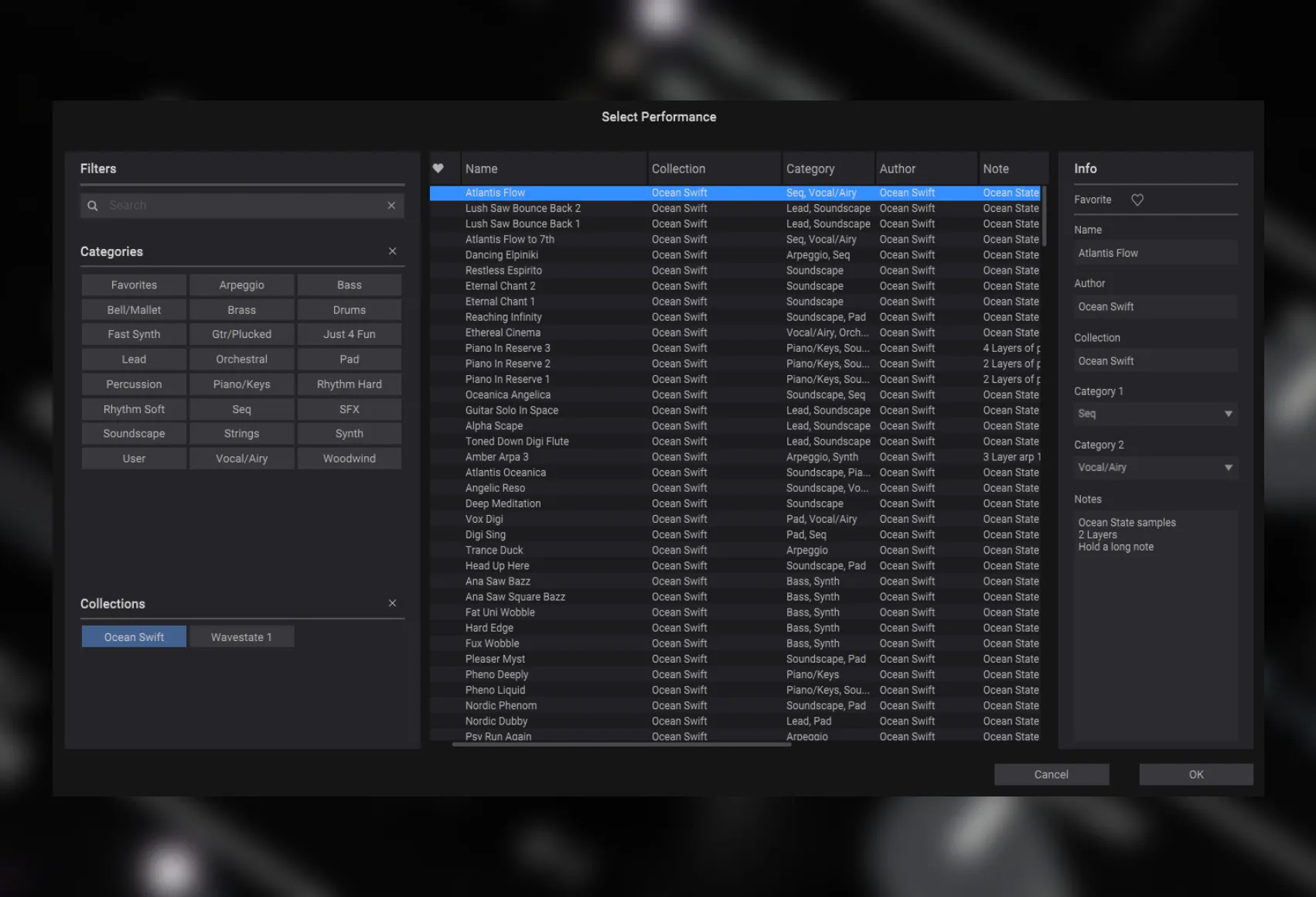
Ocean Swift - Ocean State Presets Software GUI Artwork
Ocean Swift - Ocean State Screenshot 2

$85.00

Earn 222

Digital Download

0

5.0
Instant Access Direct download
100% Genuine Official license
Flexible Payments PayPal, Card or Wallet
Support Here to help
Guaranteed Safe & Secure Checkout
Visa Mastercard American Express Apple Pay Google Pay Klarna

Product Overview

An epic monumental Korg Wavestate expansion, blending Ocean Swift’s signature sound design into the heart of this stunningly deep synth engine. With this massive collection of samples and presets, it’s as if the Wavestate has been reborn – the Ocean Swift touch envelops the instrument and propels it into bold, unexplored cinematic sonic territory with detailed exploration and charm.

Turn Your Korg Wavestate Into a Monster! This Isn’t an Expansion - It’s a Mutation. With Ocean States installed the Wavestate becomes your ultimate desert island synth.

What's Included?

  • 1924 Carefully Selected Samples
  • Perfectly looping samples and one shots
  • Expertly crafted sounds: covering every Wavestate engine section
  • +1600 total Programs, Performances, Wave Sequences, Lanes, and Effects presets - All included
  • Massive sonic range: Leads, drones, pads, textures, FX, arps, ambiences, and more
  • Pushing the Korg Wavestate to new heights: Elaborate modulation, layering, and vector synthesis to new depths
  • Compatible with Wavestate Mk1, Mk2, and Wavestate Native
  • Full NKS compatibility for Wavestate Native: Inspiring controller mapping, tags and audio previews
  • 3.76GB total
Over 1900 Carefully Selected Samples 3.76GB of content curated from our finest products
Porphyra Hybrid · Dystopia Diary · Myth Rhythm · Spectral Oscillators Toolkit · And More…

From gritty analog and digital oscillators and tuned textures to deep ambient atmospheres and field recordings through moans, blips, blops, hits, cars, babies, shortwave radio, and much more – ready for instant creativity and inspiration.

At 3.76 GB and 1924 meticulously curated sounds, this samples collection delivers more raw sonic material than the entire factory library of the Korg Wavestate – and every sample is hand-picked for maximum impact.
1600 Total Presets Including
  • 400 Performances (Wavestate and NKS formats)
  • 640 Programs
  • 83 Wave Sequences
  • 277 Wave Sequence Lanes
  • 200 Effects Presets
Crafted to harness the Wavestate’s deepest modulation, vector synthesis, layering, and sequencing potential – covering synths, leads, arpeggios, pads, soundscapes, ambient drones, rhythmic textures, percussions, sound effects, layered scenes and more.

DETAILS

Ocean Swift - Ocean State - DETAILS
Each performance preset takes full advantage of the Wavestate engine’s unique synthesis architecture – using single-layer multi-samples, multi-layer blends, wave sequencing, and vector synthesis resulting in a detailed, evolving and expressive selection of sounds.

The only limit is your imagination - Huge, accessible sound design toolkit
Beyond the detailed, instantly playable performances, this collection also opens up a universe of building blocks for sound exploration.

Each program, wave sequence, lane, effects preset, and sample functions as a unique piece in the Wavestate’s intricate puzzle – elements that can be swapped, layered, and re-shaped to reveal entirely new sonic pictures.

Whether you’re crafting fresh performances from the ground up or mutating existing ones, these modular components empower you to bend the Wavestate engine to your imagination, turning every tweak into a new creative discovery

Installation instructions

Wavestate Native
Installing the Ocean States Bundle entails installing both the samples collection and the presets collection.

Installing The Samples
  • Place the downloaded “Ocean State Part 1.korgcompiledbank” and “Ocean State Part 2.korgcompiledbank” files anywhere on your drive.
  • Launch Wavestate Native in standalone or as a plugin within a DAW.
  • In the top right corner click the three vertical dots to enter the options menu.
  • In the options menu, select “User Sample Banks…”.
  • In the dialog that opens, point to the folder where the “Ocean State Part 1.korgcompiledbank” and “Ocean State Part 2.korgcompiledbank” files are located.
Installing The Presets
  • Launch Wavestate Native in standalone or as a plugin within a DAW.
  • In the Wavestate top menu, navigate to the Librarian tab.
  • In the top right corner click the three vertical dots to enter the options menu.
  • In the options menu, select “Import…”.
  • In the dialog that opens, select the downloaded “Ocean Swift Ocean State Presets.wsbundle” file.
Installing The NKS Presets
From inside the downloaded “NKS” folder, copy the “wavestate native” folder exactly as it is to the Native Instruments user content folder. By default, the Native Instruments folder itself is located in the computer’s main documents folder. You may need to rescan the user content in Maschine/KK in order for the presets to appear in the browser.
-----------------
Wavestate Hardware (Mk1, Mk2, Keyboards and racks)
Make sure your Wavestate hardware is up to date. Refer to the manual and to the Korg website if unsure. If you haven’t already, download both the Wavestate Editor Librarian and the Wavestate Sample Builder from the Korg website: https://www.korg.com/us/support/download/product/0/840/#software

Installing The Samples
  • Connect your Wavestate hardware to the computer and turn it on.
  • Launch the Sample Builder application.
  • In the Sampler Builder operating system top bar navigation menu, select “File”.
  • In the “File” menu, select “Open Bank…”.
  • In the dialog that opens, select the downloaded “Ocean State.korgbank”.
  • If your Wavestate is connected and recognized, the “Send Bank” button on the right side of the Sample Builder application should be clickable.
  • Click the “Send Bank” button
  • The transfer will continue, do not turn off the Wavestate or otherwise interrupt the transfer until completion.

Installing The Presets
  • Connect your Wavestate hardware to the computer and turn it on.
  • Launch the Wavestate Editor Librarian application.
  • In the Wavestate Editor Librarian operating system top bar navigation menu, select “Import”.
  • In the dialog that opens, select the downloaded “Ocean Swift Ocean State Presets.wsbundle” file.
  • The transfer will continue, do not turn off the Wavestate or otherwise interrupt the transfer until completion.

Reviews

5.0/5.0

(Average of 1 review)

Sort By:

Array

Additional Information

Categories:

Korg Wavestate

Formats:

Preset WAV

Genres:

All Genres EDM

Tags:

Korg Presets Wavesets Wavetable

Discover More

View All Events

BROWSE ALL

Happening Now

View Heatwave Sale 2026

SHOP LIVE EVENT
Your Playlist CLEAR
Your playlist is currently empty. Visit a product page and add some tracks to your playlist
Audio Player

0:00
0:00