Sign in to Loot Audio
Access your downloads, purchases and more
Access your downloads, purchases and more

Pulse is a revolutionary new downloader offering blazing fast speeds and powerful control over your libraries. Loot Audio uses Pulse to power some of our downloads and to make managing your libraries more efficient for you.
After your purchase we will send you a unique code (you will also find the code in your account). Use the code with Pulse to power your download and installation. More information about Pulse can be found here.
What are Credits?
You earn Credits every time you purchase a product from Loot Audio. 3% of your order is added to your account in the form of Credits.
Use Credits for money off future orders or convert them to Sample Credits to download samples from the Sounds section of the site.
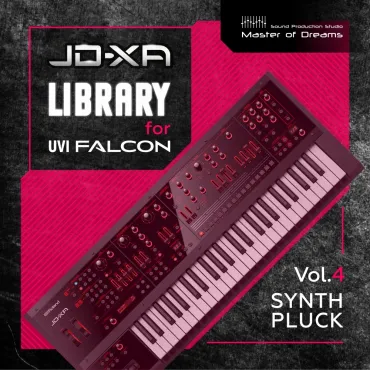
102 programs, consisting of over 6,000 samples.

$13.20
$22.00
Earn 36
Bundle: JD-XA Bundle Vol.1-5







Unpack the archive to a location convenient for you.
If you already have part of the JD-XA Library for UVI Falcon, then merge the "JD-XA Library for UVI Falcon" folders. In any case, this folder should be one and contain short category names (Bass, Pad, Lead, etc.).
Open UVI Falcon, click on the folder in it in the upper right corner of "Show File Browser";
in the "Devices" section find the place where you copied the library;
right-click on the folder "JD-XA Library for UVI Falcon" and select "Add to Favorite Places", after which it will become available in the "Places" section.
Note: "JD-XA Library for UVI Falcon" will not work in UVI Workstation.
Windows Installation Note:
Important: Due to Windows' default 260-character path limit, please install this library into a folder with a short path (e.g., C:SoundBanksMaster_of_Dreams). Using long directory names or deeply nested subfolders may prevent UVI Falcon from loading samples correctly.
Requires UVI Falcon version 3.0.1 and higher.
For stable operation of "JD-XA Library for UVI Falcon" it is recommended to install it on an SSD hard drive.
It is not recommended to rename folders and files from the "JD-XA Library for UVI Falcon" directory, or change their structure.
If you used the JD-XA library for UVI Falcon and for some reason moved its directory to another drive or folder, then when opening DAW projects that were created earlier, you will need to specify new directory location “JD-XA Library for UVI Falcon” for all instances of Falcons loaded into the DAW project, so it's better not to move this directory unless necessary.