Sign in to Loot Audio
Access your downloads, purchases and more
Access your downloads, purchases and more

Pulse is a revolutionary new downloader offering blazing fast speeds and powerful control over your libraries. Loot Audio uses Pulse to power some of our downloads and to make managing your libraries more efficient for you.
After your purchase we will send you a unique code (you will also find the code in your account). Use the code with Pulse to power your download and installation. More information about Pulse can be found here.
What are Credits?
You earn Credits every time you purchase a product from Loot Audio. 3% of your order is added to your account in the form of Credits.
Use Credits for money off future orders or convert them to Sample Credits to download samples from the Sounds section of the site.
Transform your vocals with the next-generation voice-controlled synth.

.png)
$29.99
Earn 67







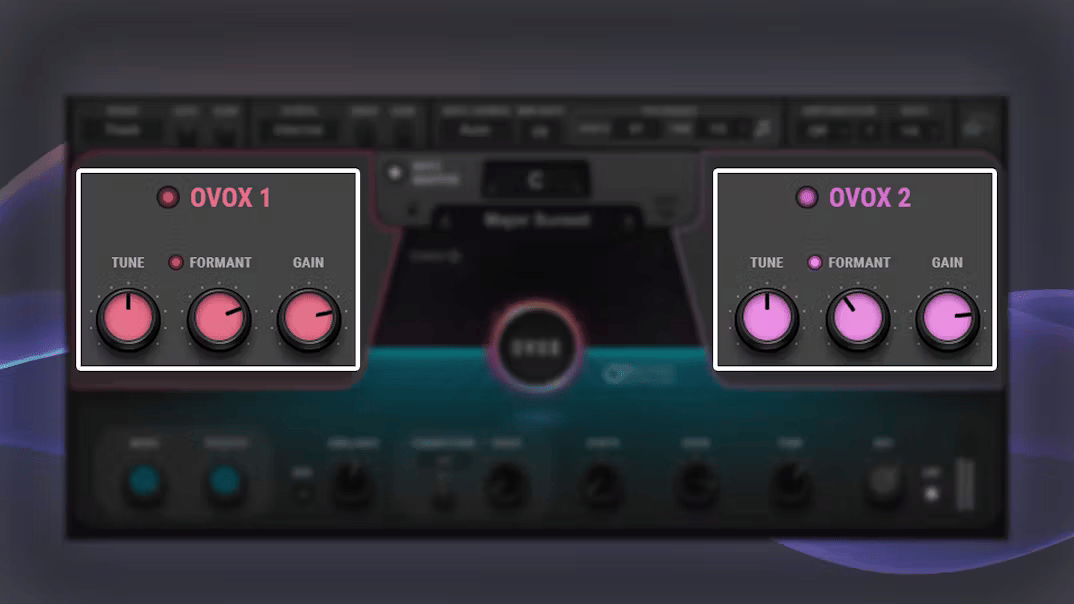
Ovox extracts your voice’s pitch, amplitude, and formant, then allows you to transform all three elements independently. It’s like taking your voice apart, then putting it back together—shaped exactly how you want. Powered by Waves Organic ReSynthesis® (ORS) technology, OVox morphs your voice cleanly, without artifacts, and with the full expressiveness of the original vocal.
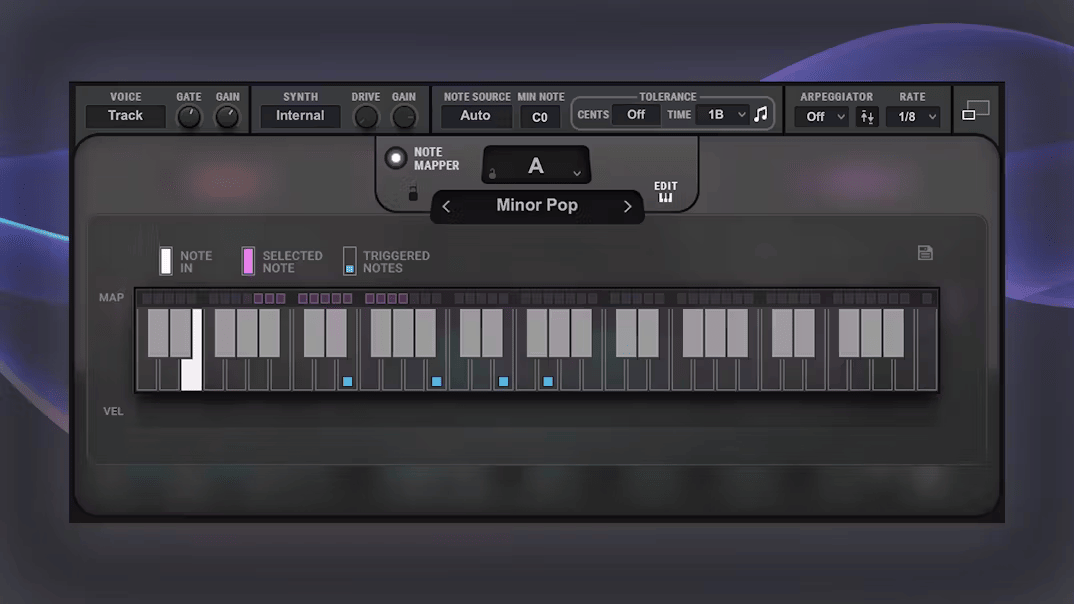
Use your voice (or a recorded vocal track) to trigger automatic chords, harmonies, or scales. OVox’s automatic note mapper will set the root note, harmonies, scales, and chords. Edit the mapper to exclude notes you don’t want played, constrain notes to a single octave, or play over the full note range.
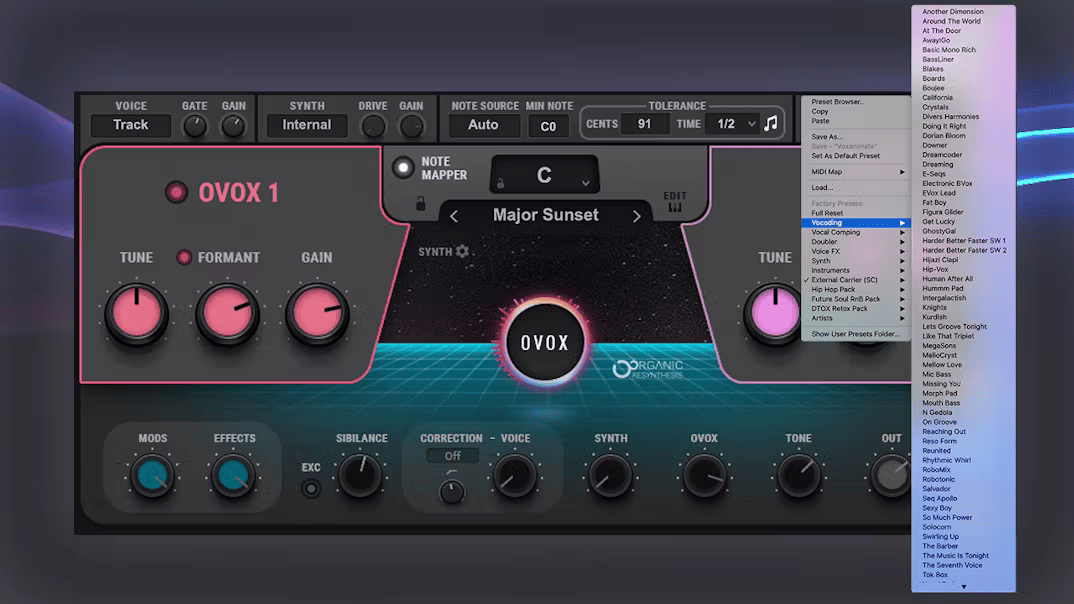
Discover OVox’s versatility with 500 creative factory and artist presets—including presets from the producers for Bon Iver, Frank Ocean, Beyoncé, and many more. Use the presets as is for endless inspiration, or tweak to create your own signature sounds.
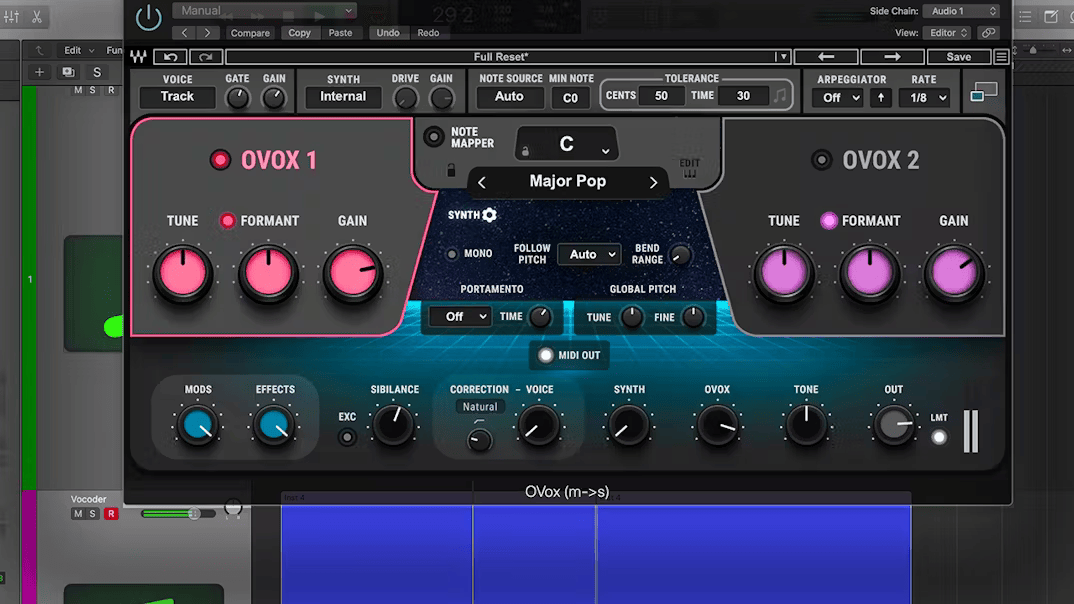
OVox’s Midi Out feature lets you play any VI (by Waves or other manufacturers) using your voice, in real time. Sing and hum a melody, and OVox will convert your to MIDI, and send the MIDI out to your instrument of choice. You can also use the note mapper to quantize your MIDI to scale, or generate hundreds of chord progressions easily.
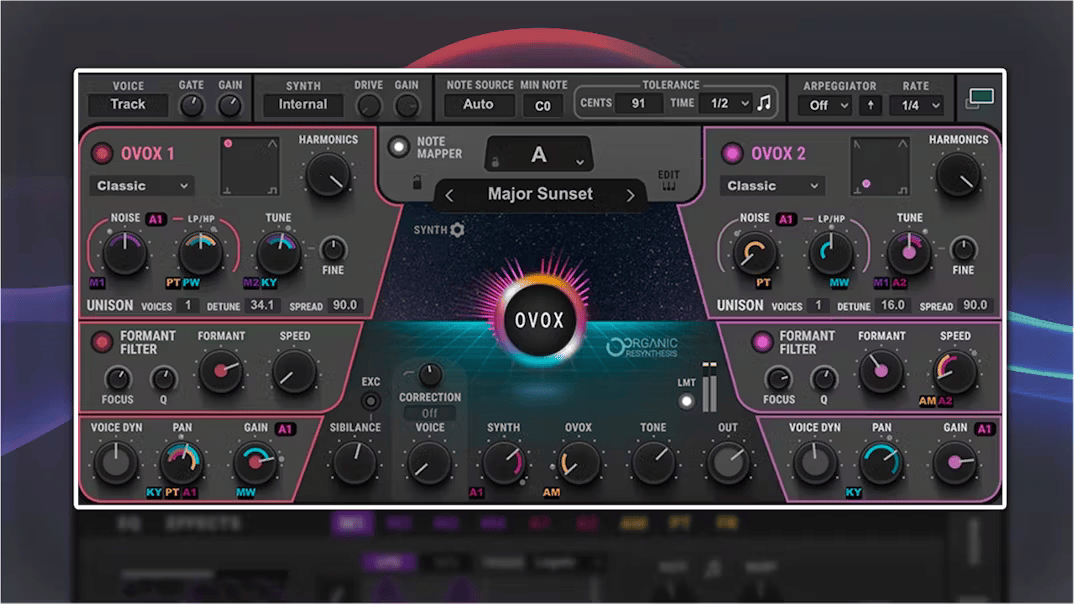
OVox’s compact view gives you quick, easy access to the most important parameters. Expand the interface, and you’ll open up a world of sound editing, with unlimited options for synthesis, formant and harmonic modification, filtering, modulation, and effects.
Modulate any sound easily by dragging-and-dropping any modulator from OVox’s versatile modulation section onto any OVox control: 4 LFOs (waveforms or step-sequenced), 2 ADSR envelopes, and envelopes for Amplitude, Pitch, or Formant.
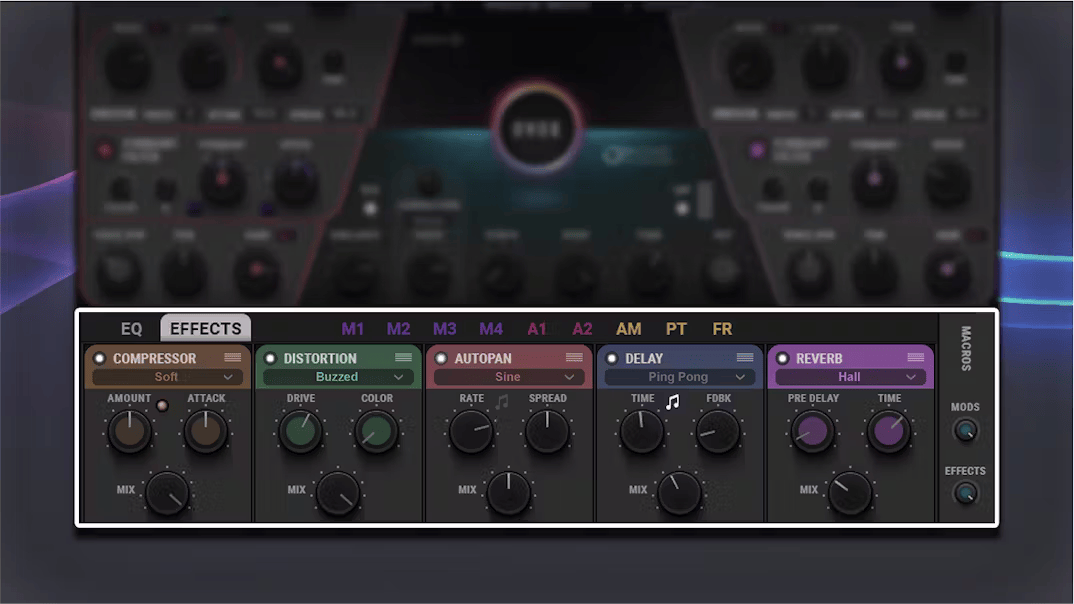
Add Autopan, Chorus, Compression, Delay, Distortion, and Reverb to any sound, from the menu of high-quality built-in effects. The bottom section of OVox also adds a fully modulatable 4-band EQ, in addition to the modulators and the effects.
Important note for Scheps Omni Channel and CLA MixHub users:
To be able to insert OVox into the Scheps Omni or CLA MixHub insert slots, you must update Scheps Omni Channel and CLA MixHub to their latest versions. Inserting OVox into older versions of these two plugins will result in a crash.
The ‘MIDI out’ feature is not available in CLA MixHub, Scheps Omni Channel, StudioRack or our SoundGrid applications (eMotion LV1, SuperRack and SoundGrid Studio), and DAWs where this feature is not supported (see Supported Hosts).
Cakewalk users:
The latest version of OVox is not compatible with Cakewalk. We are working on making it compatible soon. In the meantime, please refrain from installing or updating the latest version of OVox, as this may result in Cakewalk hanging. If you wish to install Ovox, or have updated prior to seeing this message, please contact Waves Tech Support, and we will provide you with the previous OVox version for installation.