Sign in to Loot Audio
Access your downloads, purchases and more
Access your downloads, purchases and more

Pulse is a revolutionary new downloader offering blazing fast speeds and powerful control over your libraries. Loot Audio uses Pulse to power some of our downloads and to make managing your libraries more efficient for you.
After your purchase we will send you a unique code (you will also find the code in your account). Use the code with Pulse to power your download and installation. More information about Pulse can be found here.
What are Credits?
You earn Credits every time you purchase a product from Loot Audio. 3% of your order is added to your account in the form of Credits.
Use Credits for money off future orders or convert them to Sample Credits to download samples from the Sounds section of the site.
The Shape of Music
$59.00
Earn 159







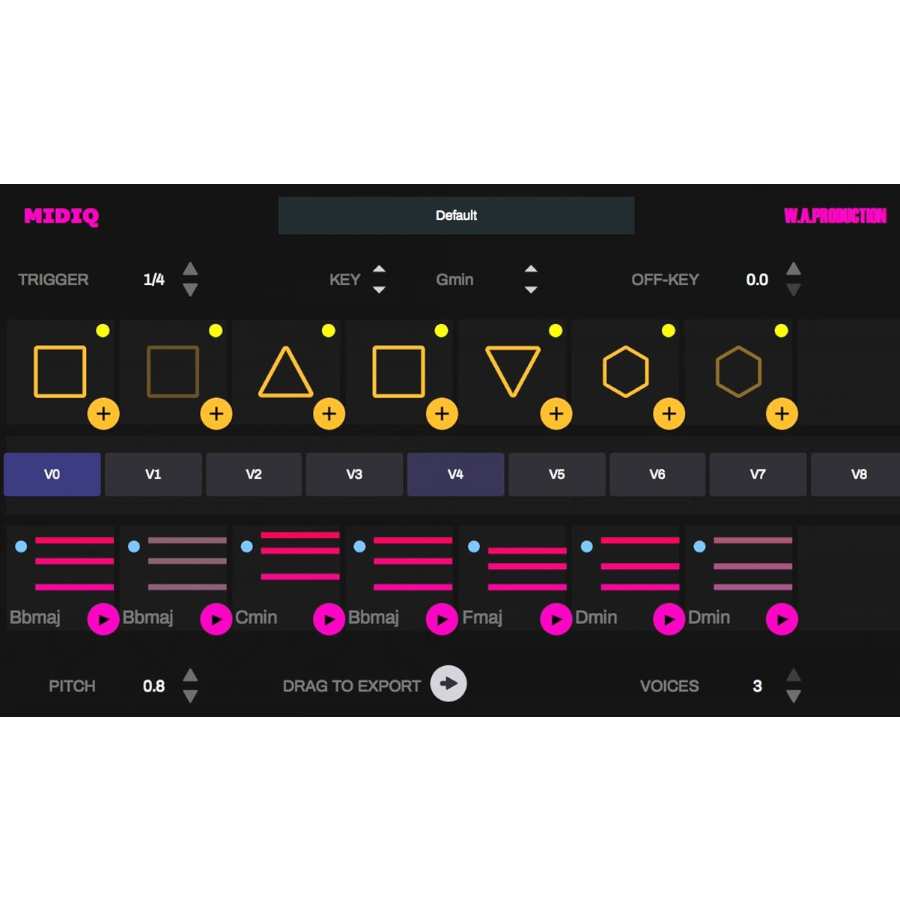
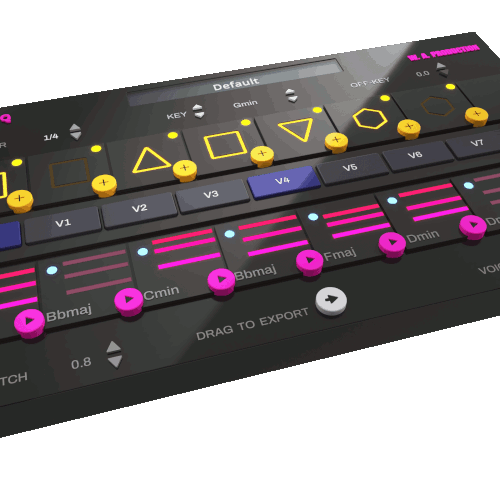
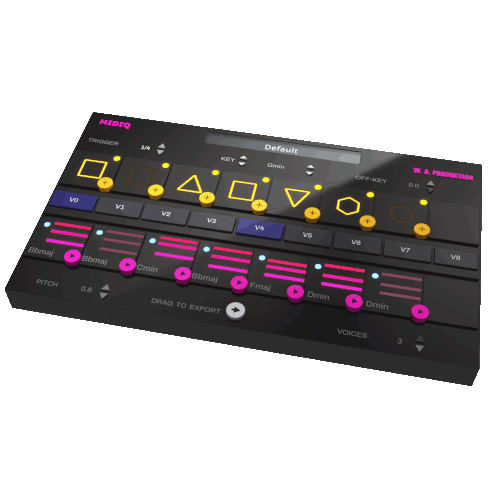
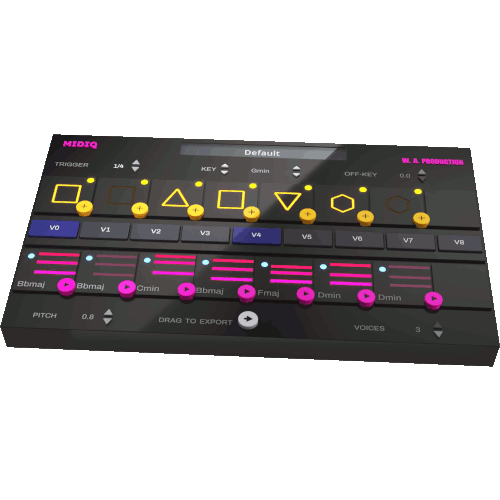
Whenever you add or change a pattern symbol, the algorithm generates a chord for this position and also creates a set of eight alternative chord sequences for the current pattern of symbols. A click on one of the chord boxes is enough to switch to a new variant. Truly inspiring stuff.
Preset data is automatically saved in DAW sessions and can be exported for import into other sessions. Equally, copy-and-paste, drag-and-drop and drag-to-host functionalities are all included for ultimate flexibility.
It doesn't stop there... experiment with feeding a chord progression into an arpeggiator, running several plug-in instances in parallel, generating polyrhythmic patterns and finding interesting chord progressions between two or more chords.
MIDIQ runs in any DAW with MIDI routing support. Place the plug-in on the generator track or use multiple instances of the plug-in assigned to different tracks (e.g. to layer the output for creation of very unusual, highly polyphonic progressions or to generate polyrhythmic loops). Use the copy-and-paste functionality to copy parameters from one plug-in to another. Preset data is automatically saved in DAW sessions, so nothing gets lost. A simplified piano roll display shows the generated chord sequence. Chords from the piano roll can be dragged to the host sequencer.
EDIT CHORDS
Click on a chord to manually change the chord symbols as desired. Whenever you specify a chord, the corresponding pattern element is replaced by a lock symbol, and the music intelligence algorithms create a new, matching chord progression. By clicking on the unlock button, the pattern element returns to its previous state.
Hit "Play" just as you do in a DAW. The chord sequence is played back in a loop, and the current loop position is displayed by yellow and blue boxes around the pattern and chord symbols, respectively. Click on one of the chord boxes to explore alternative chord sequences for the current pattern of symbols. The new variant of the sequence will be played back with the next loop onset and the time until the next onset is displayed by a yellow countdown bar. Click on the button again to restore the main sequence.
TRIGGER CHORDS
Use your keyboard or an external MIDI keyboard to trigger chords in your progression manually. Duration and volume of your input are used to create rhythmic and dynamic variations of the generated chord progressions. It is also possible to record a MIDI sequence in your DAW and use it as a trigger for the generated chords in MIDIQ.
Windows 7 and later (64bit)
MacOS 10.13 and later (64bit)
VST, AU
v 1.0.0_b2
11/07/22
v 1.0.0_b2 - Update 28th December 2021