Sign in to Loot Audio
Access your downloads, purchases and more
Access your downloads, purchases and more

Pulse is a revolutionary new downloader offering blazing fast speeds and powerful control over your libraries. Loot Audio uses Pulse to power some of our downloads and to make managing your libraries more efficient for you.
After your purchase we will send you a unique code (you will also find the code in your account). Use the code with Pulse to power your download and installation. More information about Pulse can be found here.
What are Credits?
You earn Credits every time you purchase a product from Loot Audio. 3% of your order is added to your account in the form of Credits.
Use Credits for money off future orders or convert them to Sample Credits to download samples from the Sounds section of the site.
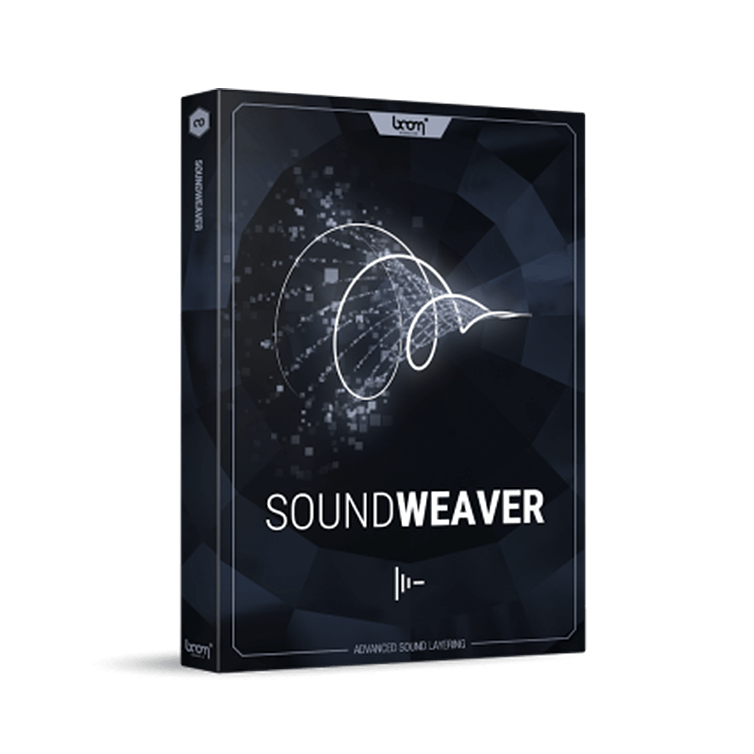
Audio Layering Wizard Plugin
$199.00
Earn 441







USE CASES
PRODUCE MORE ASSETS
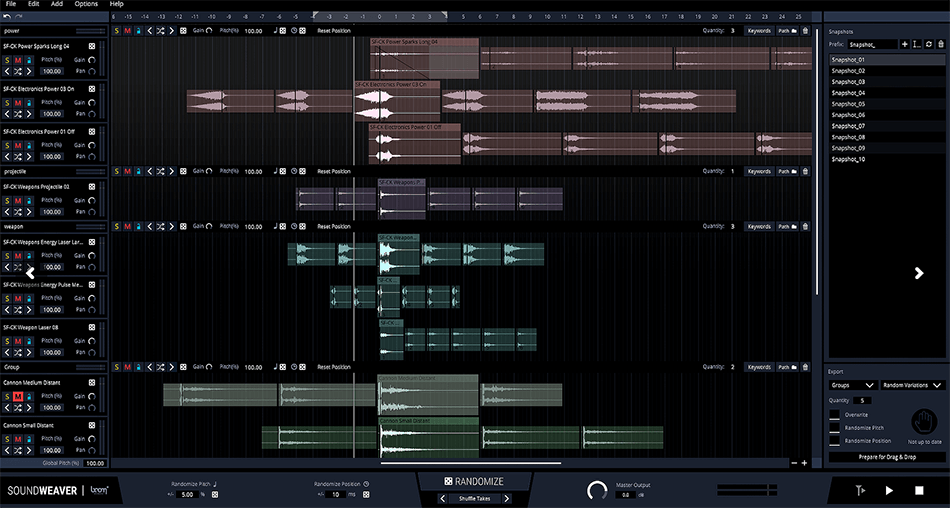
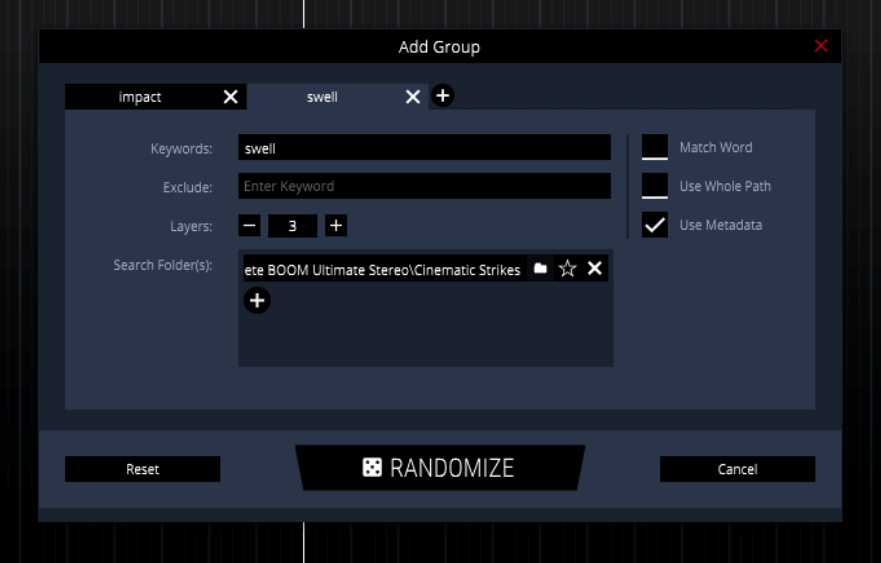
Using keywords to power SOUNDWEAVER’s powerful randomization feature, you can produce assets quickly and efficiently. With variations automatically marked and accepted assets easily locked into place, the app works its magic in divining new layers for further customization.
READY-TO-USE SOUND SESSIONS
Create custom sound design sessions with ready-to-use combinations. Snapshots allow you to save your preferred edits and easily compare them to each other and to new experiments.
GENERATE VARIATIONS WITH EASE
Using SOUNDWEAVER with BOOM Library sounds can’t be easier. Almost every BOOM Library Construction Kit asset has several variations included in a single file. SOUNDWEAVER reads these variations and displays them as single files, allowing you to switch between them with ease.
TRUE DRAG AND DROP
SOUNDWEAVER is a sound design environment that doesn’t replace the DAW or video editor, but is designed to work alongside it. Effortlessly drag and drop audio assets from either kind of app and weave your magic with them. When you’re done, simply press “Prepare for Drag & Drop” and drag the newly prepared asset directly into your project.
Now, with SOUNDWEAVER 1.3, you can use your VST plugin effects inside the app.
Not only can you endlessly and creatively layer your sounds, but you can morph and bend them in any way imaginable.
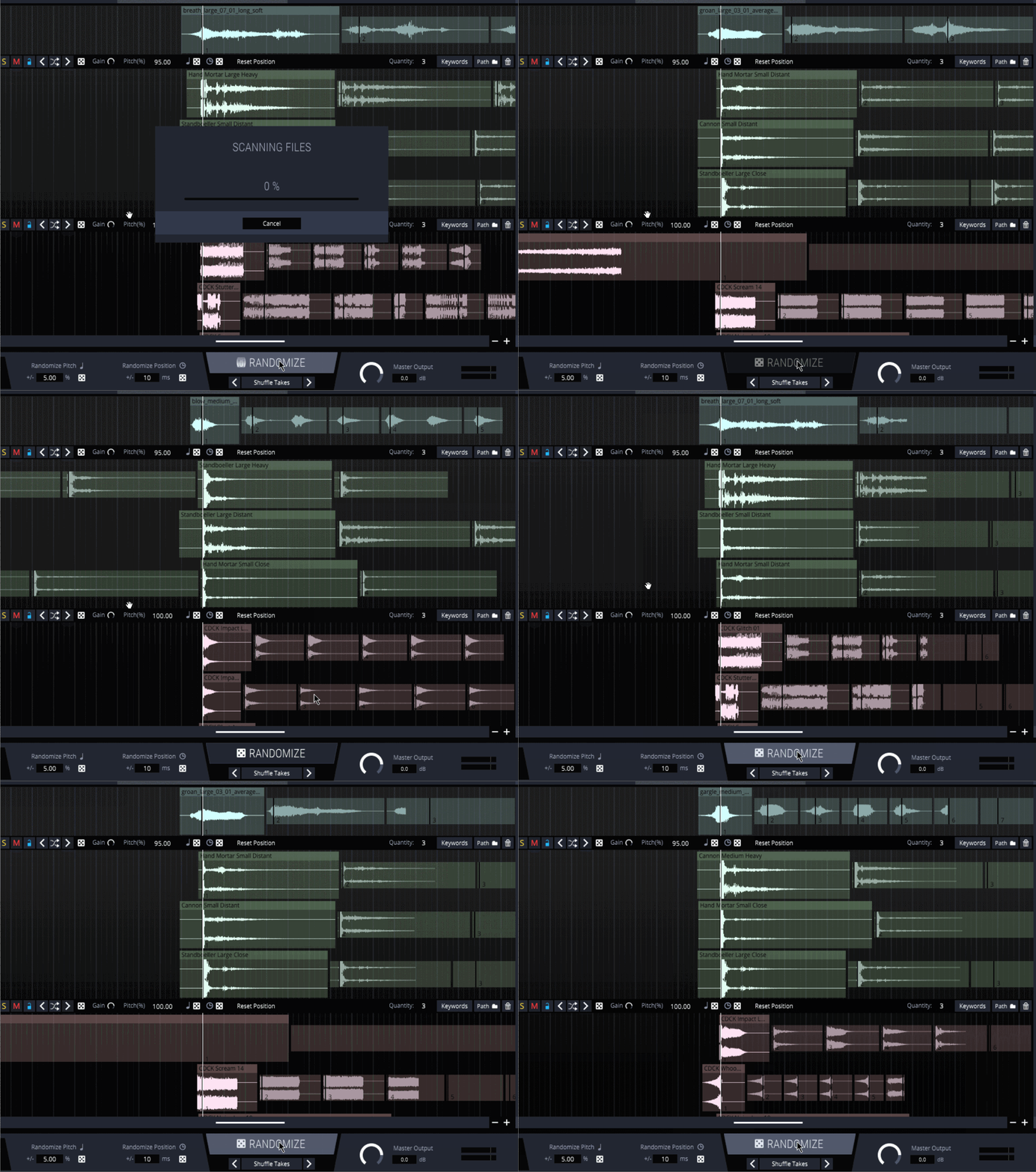
Speaking of creative process: Once your library has grown beyond a certain point, there is only so much experimenting you can do manually. SoundWeaver’s powerful Randomize feature often generates combinations we’d never think of trying in the first place.
This opens up a world of new possibilities and is a great way of starting a project.
Already have an idea? Tell SoundWeaver to build on it and create different flavors.
Starting empty-handed? Let SoundWeaver set up your session by putting all layers in place.
Done, but missing that special something? Try out more unlikely sounds with just a few clicks.
We all know the situation: A client has asked for 100 new sound assets, 10 variations each, delivered as soon as possible.
Creating variations in particular requires a lot of meticulous pitching, shifting and switching out elements within your original design.
With just a few commands, SoundWeaver will automate all of those time-consuming steps for you and generate as many suggestions as you like – so all that’s left for you to do is have a quick listen and keep the ones you like best.
Focus on your creative process while SoundWeaver takes care of the rest.
SOFTWARE
SYSTEM
ILOK


V1.2.2
18/03/24
[NEW FEATURE]
For flac files, Vorbis metadata (tag ‘DESCRIPTION’) can be used by search now.
[BUG-FIX]
Fixed a bug on macOS where the right click gesture didn’t work on the trackpad.
[BUG-FIX]
Fixed a bug where the user was incorrectly prompted for an export path.
[BUG-FIX]
Fixed a bug where right-clicking a snapshot while editing the name opened the options menu in addition to the edit menu.
V1.2.4
18/03/24
[NEW FEATURE]
Supports Native Apple M1 Silicon
V1.3.1
18/03/24
[NEW FEATURE]
Added plugin support for VST3(win + mac) and AU(mac)
[NEW FEATURE]
Added global/group reset pitch function.
[BUG-FIX]
Fixed a bug where export drag drop with 'Overwrite' activated would use the wrong index as suffix for file.
[BUG-FIX]
Fixed a bug where overwriting existing files by export could create too many files when 'Glue Variations' was activated.
[BUG-FIX]
Fixed a bug where option 'Use whole path' when searching sounds didn't work when using indexed paths.
[BUG-FIX]
Track names can not be set to empty strings anymore.
[BUG-FIX]
Fixed a bug where selecting tracks per arrow keys jumped more than one track per key press.
[BUG-FIX]
Fixed a bug on mac where right click gestures didn't work.
[BUG-FIX]
Fixed a bug where the VU-meters would always falsely display a small amount of gain.
[BUG-FIX]
The playlist is always centred now on startup.
V1.3.2
18/03/24
[IMPROVEMENT]
Plug-in scan restarts automatically if scan crashes
[IMPROVEMENT]
Added different QOL features for plug-in scan
[BUG-FIX]
Searching sounds from paths with similar endings can yield wrong results
V1.3.3
18/03/24
[BUG-FIX]
“Add plugin” menu positioning with multiple vertical displays
[BUG-FIX]
Changing audio export settings that affect the “Prepare for Drag & Drop” export doesn’t change the export status to “not up to date”
[BUG-FIX]
Increasing the quantity of a group can lead to the same sound being chosen twice for the group
[BUG-FIX]
Setting the minimum duration of silence when detecting regions for an audio clip does not work correctly